
Appearance
Guide Dashboard
The dashboard is the first screen a guide sees after logging in. It gives a quick read on what's coming up and how the month has gone.
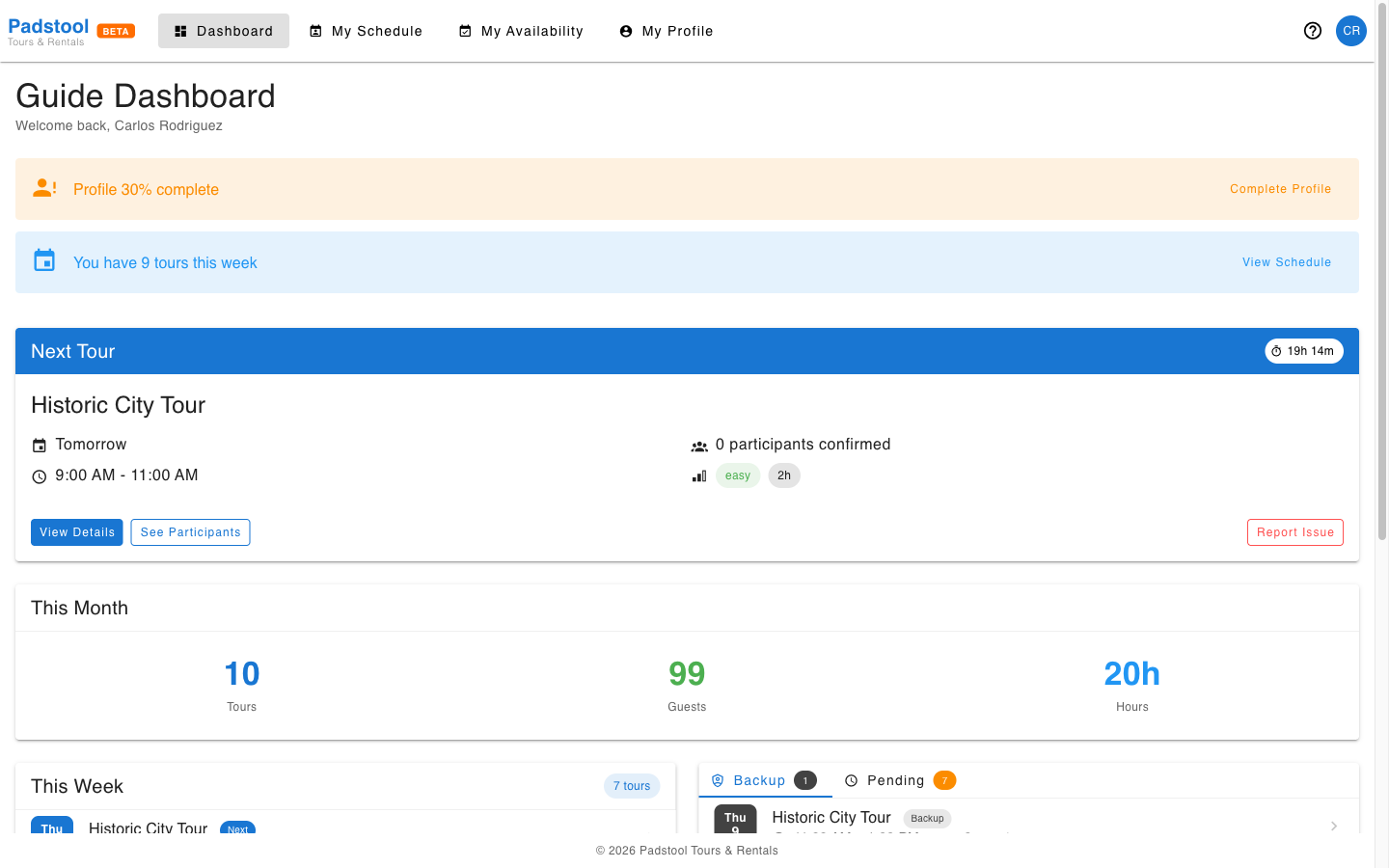
Next Tour card
If the guide has an upcoming tour, a Next Tour card appears at the top with a live countdown. It shows:
- Tour name, date, and time range
- Number of confirmed participants
- Difficulty level and duration
- View Details and See Participants buttons
- A Report Issue link that pre-fills an email to operations
If there is no upcoming tour, the card is hidden.
This Month stats
Three numbers summarise the guide's activity for the current calendar month:
| Stat | What it counts |
|---|---|
| Tours | Completed tour schedules |
| Guests | Total participants across those tours |
| Hours | Total hours worked (sum of tour durations) |
This Week
A list of all tours assigned to the guide in the current week, ordered by start time. Each entry shows:
- Day abbreviation and date (as a coloured avatar)
- Tour name (the next upcoming tour is labelled Next)
- Start and end time
- Guest count
Clicking any row opens the tour detail view.
Backup positions and pending requests
The right panel has two tabs:
Backup tab
Tours where the guide is assigned as a backup guide rather than the primary. These show the same date/time/guest info but are labelled with a Backup chip so the guide knows their role.
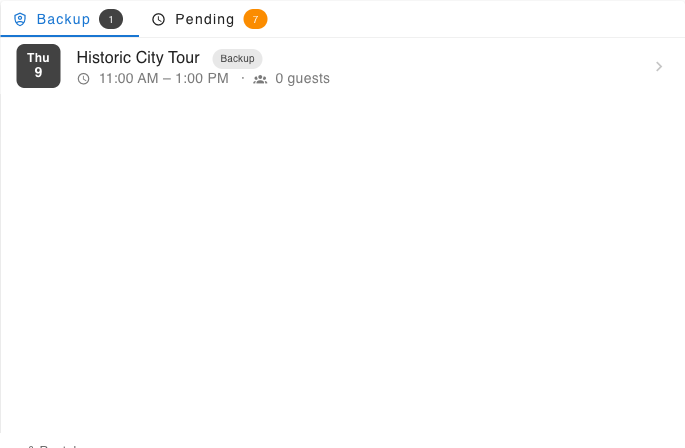
A guide in a backup position is not the primary lead — they step in if the assigned guide cannot make it or lastminutes bookings come up and the schedule needs another guide to manage them all
Pending tab
Schedule requests the guide has submitted but that have not yet been approved or rejected by an admin.
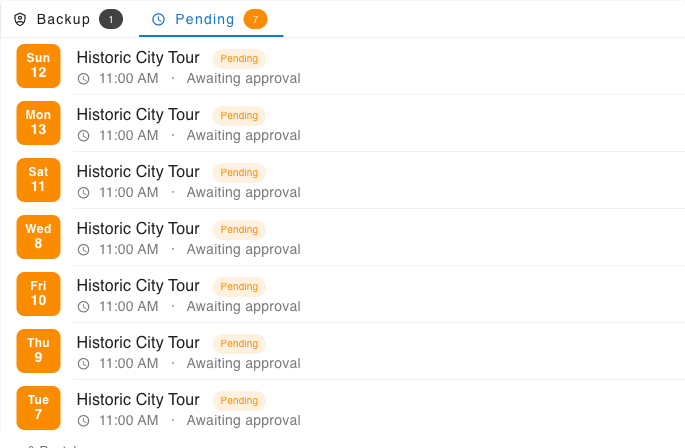
Requests are submitted from the Availability page by clicking an open shift on the calendar. Each pending item shows the tour name, date, and time. Once an admin acts on the request, it disappears from this list and the guide either appears on the schedule or not.
INFO
Pending requests are only visible here and on the Availability calendar. Guides are not yet notified by email when a request is approved or rejected — they need to check back manually.