
Appearance
Feature Flags
Feature flags let you enable or disable features to simplify your interface. If you do not use a particular feature, turn it off to hide it from the navigation and reduce clutter - your data is always preserved.
How to configure feature flags
- Navigate to Settings > Feature Flags.
- Toggle features on or off.
- Click Save Changes.
Changes take effect immediately across the interface.
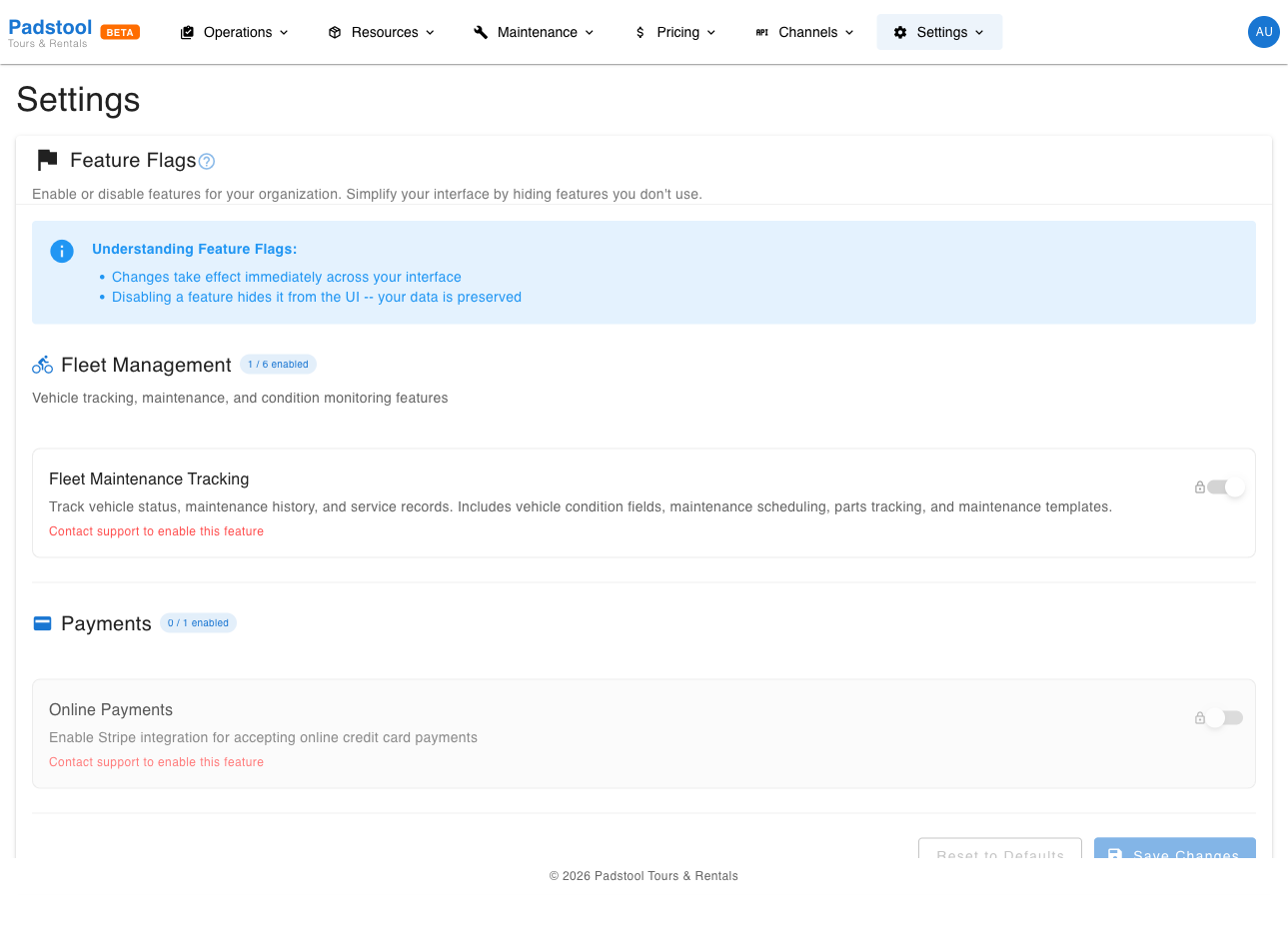
Available features
Features are organized by category. Each category shows a count of enabled features (e.g., "2 / 3 enabled").
Fleet Management
| Feature | What it controls |
|---|---|
| Fleet Maintenance Tracking | Track vehicle status, maintenance history, and service records. Includes vehicle condition fields, maintenance scheduling, parts tracking, and maintenance templates. |
This is a master toggle - turning it off also hides all related sub-features (condition tracking, maintenance scheduling, parts tracking, and maintenance templates).
Payments
| Feature | What it controls |
|---|---|
| Online Payments | Enable Stripe integration for accepting online credit card payments. |
How feature flags work
- Toggling off hides the feature from the interface. Your data is preserved and will reappear when you toggle it back on.
- Master toggles control a group of related features. Turning off a master toggle automatically disables all sub-features in that group.
- Some features show a Managed by Admin badge, indicating the setting is controlled by the platform administrator and cannot be changed by operators.
Tips
- If you do not track vehicle maintenance, turn off Fleet Maintenance Tracking to simplify the fleet management interface. You can always enable it later when you are ready.
- Feature flags are a good way to onboard gradually. Start with the core features you need and enable additional ones as your operation grows.
- Disabling Online Payments does not prevent you from creating bookings - it just removes the Stripe payment flow. You can still record bookings and handle payments externally.
INFO
Feature flags only control visibility in the admin interface. They do not delete any data. Turning a feature back on restores everything exactly as it was.